
1. Find a show you want to hear
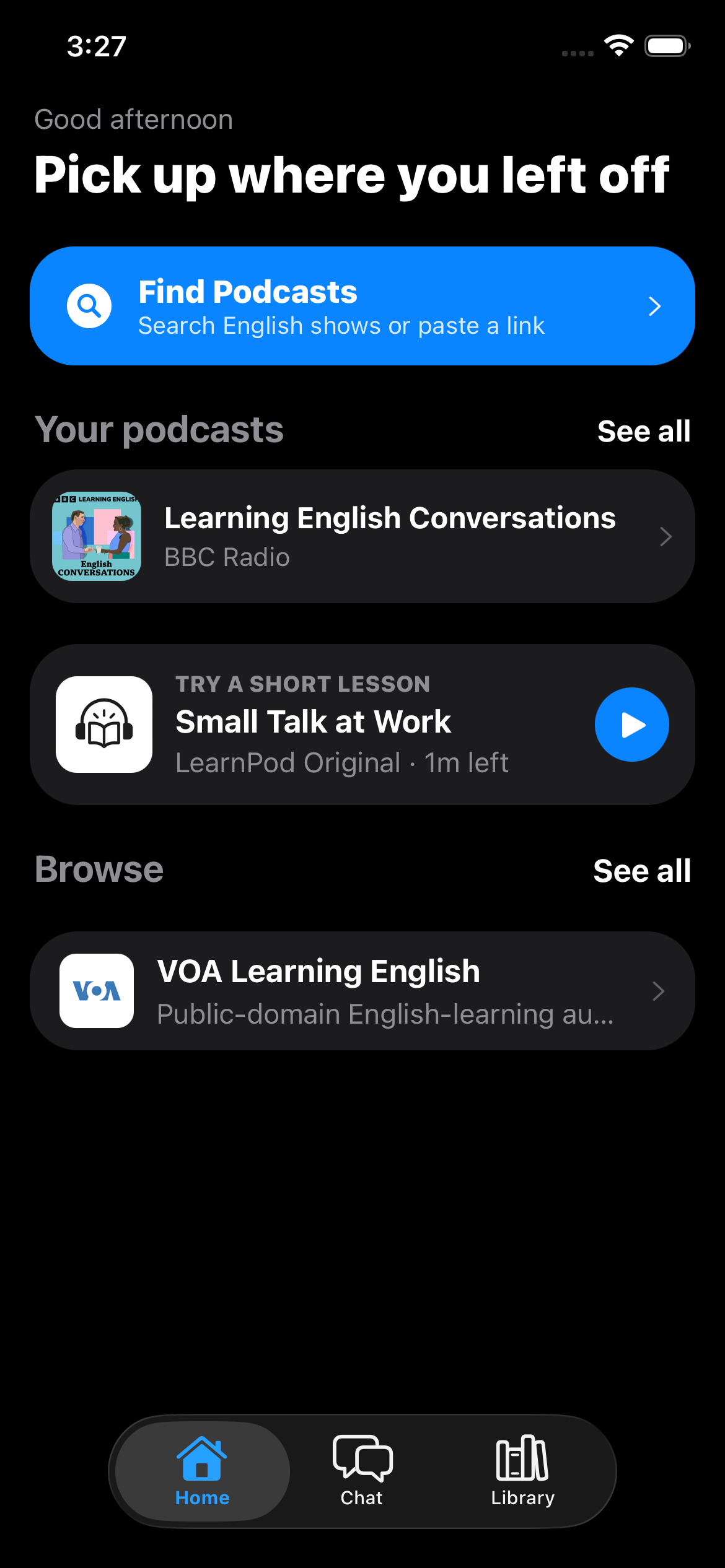
Start by searching a podcast title, pasting a public RSS feed, or opening a supported Apple Podcasts link. LearnPod uses a podcast directory lookup to find a canonical public feed URL, then gives that feed the same preview as a direct import. You can see the publisher and recent episodes before you subscribe.
2. Listen from the publisher’s episode source
After you subscribe, LearnPod keeps the show and episode list available on your iPhone. The app streams an episode using the audio URL supplied by the publisher or its host and saves local playback progress so you can return to your place in a later listening session.
3. Use text only when the episode supports it
Some podcasts include transcript-like text in RSS metadata. LearnPod can display usable publisher text from those feeds and includes a first-party transcript for its own sample lesson. For supported sources, an on-device automatic transcript option may be available and is labeled as such. When the app does not have usable text, it keeps transcript-dependent features unavailable rather than filling the gap with invented content.
4. Review after listening
LearnPod’s post-listening learning is intended to come after you have spent time with the audio. The interactive sample on the website mirrors the idea: listen, open the transcript, unlock the quiz, and replay a relevant moment. Episode-specific quizzes and chat depend on a usable transcript and are unavailable when that material is missing.
Start with a real listening choice
There is no need to begin with a special “study-only” show. Choose a podcast you are curious about, keep the first sessions short, and see whether a transcript is available for the episode. The companion guide explains how to learn English with podcasts; the RSS guide explains how to add a compatible public feed.